Table of Contents
- What is Midjourney?
- Getting Started: Your First Steps
- Crafting Perfect Prompts
- Advanced Features & Parameters
- Practical Applications
- Pro Tips & Best Practices
- FAQs: Your Questions Answered
- Future of AI Art
What is Midjourney?
The AI Art Revolution
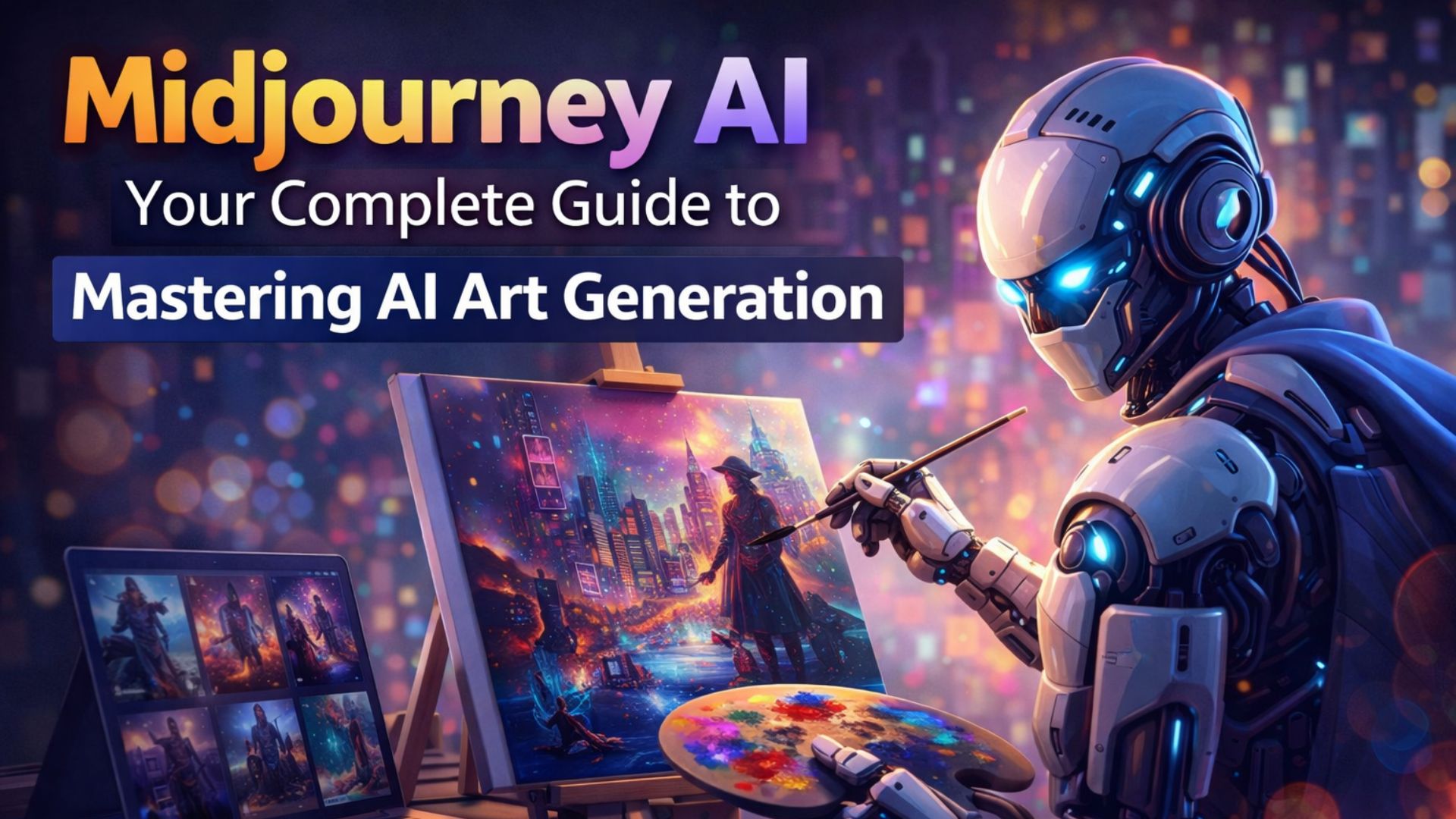
Imagine describing a "cyberpunk samurai in neon Tokyo rain" and watching it materialize before your eyes. That's Midjourney—an AI-powered image generation tool that's transforming how we create visual content. Unlike traditional design software requiring technical skills, Midjourney lets anyone become an artist using only words.
How It Works
Midjourney uses a diffusion model—a type of machine learning algorithm that starts with random noise and gradually refines it into a coherent image based on your text description. Think of it as a digital artist who can paint anything you imagine, but in seconds rather than days.
Key Facts:
-
Founded: 2022 by David Holz (co-founder of Leap Motion)
-
Platform: Primarily operates through Discord
-
Updates: New versions released every few months
-
Community: Over 15 million users on Discord
Why Midjourney Stands Out
While alternatives like DALL-E and Stable Diffusion exist, Midjourney has developed a reputation for:
-
Particularly beautiful, artistic outputs
-
Strong community and learning resources
-
Regular feature updates
-
Excellent balance between realism and artistic flair
Getting Started: Your First Steps
Step 1: Join Discord
Midjourney operates exclusively through Discord (for now). If you're new to Discord:
-
Create an account at discord.com
-
Accept the invite to Midjourney's Discord server
Step 2: Choose Your Plan
Midjourney offers several subscription tiers:
| Plan | Monthly Cost | Fast Hours | Relax Mode | Commercial Rights |
|---|---|---|---|---|
| Basic | $10 | 3.3/hr | ✅ | Limited |
| Standard | $30 | 15/hr | ✅ | Full |
| Pro | $60 | 30/hr | ✅ | Full |
| Mega | $120 | 60/hr | ✅ | Full |
Fast Hours are for priority generation. When they're used up, you switch to Relax mode (slower but unlimited).
Step 3: Your First Generation
Navigate to any #newbies channel and type:
/imagine a cute corgi puppy wearing a superhero cape
Press Enter and watch the magic happen!
Understanding the Interface
After 60 seconds, you'll see:
-
4 image variations (labeled U1-U4 for upscaling)
-
V1-V4 buttons for creating variations
-
🔄 button to rerun the prompt
Crafting Perfect Prompts
The Anatomy of a Great Prompt
Effective prompts follow this structure:
[Subject], [Detailed Description], [Art Style], [Artist References], [Lighting], [Composition], [Parameters]
Example Breakdown:
A majestic white wolf standing on a mountain cliff,
detailed fur with individual strands visible,
in the style of Studio Ghibli animation,
inspired by Hayao Miyazaki,
golden hour lighting with volumetric fog,
wide angle cinematic shot,
--ar 16:9 --v 6
Essential Prompt Elements
1. Subject & Details
-
Be specific: "vintage leather-bound book" vs. "book"
-
Add details: "with worn edges and brass clasp"
-
Include materials: "wooden, metallic, glass, fabric"
2. Style References
-
Artistic movements: "impressionist, art deco, surrealist"
-
Media types: "oil painting, watercolor, digital art"
-
Time periods: "medieval, retro 80s, futuristic"
3. Lighting & Atmosphere
-
Natural light: "golden hour, moonlight, overcast"
-
Artificial light: "neon glow, candlelight, bioluminescent"
-
Weather: "rainy, foggy, snowstorm"
4. Composition & Camera
-
Angles: "low angle, bird's eye view, Dutch angle"
-
Shots: "close-up, medium shot, establishing shot"
-
Lens effects: "bokeh, lens flare, motion blur"
Common Mistakes to Avoid
-
Being too vague: "a beautiful landscape"
-
Conflicting terms: "bright dark scene"
-
Overcomplicating: Too many elements confuse the AI
-
Forgetting parameters: Always include version and aspect ratio
Advanced Features & Parameters
Essential Parameters
Aspect Ratios (--ar)
-
Square:
--ar 1:1(default) -
Landscape:
--ar 16:9or--ar 3:2 -
Portrait:
--ar 2:3or--ar 9:16 -
Mobile wallpaper:
--ar 9:19
Stylization (--s)
-
Low:
--s 100(more literal) -
Medium:
--s 250(default) -
High:
--s 750(more artistic)
Quality (--q)
-
Fast:
--q .5(half the quality, half the time) -
Standard:
--q 1(default) -
High:
--q 2(twice the quality, twice the time)
Model Selection
-
Latest:
--v 6(most advanced) -
Previous:
--v 5.2(more predictable) -
Anime:
--niji 6(specialized for anime/manga)
Game-Changing Features
1. Remix Mode
Enable in /settings to modify prompts during variations. Perfect for iterative refinement.
2. Pan and Zoom
After upscaling, use arrow buttons to expand your canvas in any direction. Great for creating panoramic scenes.
3. Vary Region
Select specific parts of an image to regenerate while keeping the rest intact. Click the "Vary Region" button, mask the area, and enter a new prompt.
4. Character Reference (--cref)
New in v6! Use --cref [URL] to maintain consistent characters across different scenes.
5. Style Reference (--sref)
Apply the style of any image to your generation. Perfect for maintaining brand consistency.
Practical Applications
For Content Creators
-
Blog Illustrations: Generate custom featured images in minutes
-
Social Media: Create eye-catching posts without stock photo subscriptions
-
YouTube Thumbnails: Stand out with unique, attention-grabbing designs
-
Newsletters: Add visual flair to your email campaigns
Example Workflow:
Need a blog header about productivity?
/imagine a minimalist desk setup with morning coffee and open laptop, soft natural lighting, clean aesthetic, productivity tools organized neatly, muted color palette, --ar 16:9 --v 6
For Small Businesses
-
Product Mockups: Visualize products before manufacturing
-
Marketing Materials: Create ads, flyers, and banners
-
Brand Identity: Develop logo concepts and brand elements
-
Website Assets: Generate hero images and illustrations
Cost Savings: A single graphic designer project ($200-500) could cover 6-12 months of Midjourney subscription.
For Artists & Designers
-
Concept Art: Rapidly iterate on character and environment designs
-
Mood Boards: Create cohesive visual references for projects
-
Texture Ideas: Generate patterns and materials for 3D models
-
Creative Block: Use random prompts to spark new ideas
For Educators
-
Teaching Materials: Create custom illustrations for lessons
-
Student Projects: Teach prompt engineering as a new literacy skill
-
Visual Aids: Generate historical reconstructions or scientific concepts
Pro Tips & Best Practices
Workflow Optimization
1. Batch Processing
Use Relax mode for brainstorming, then switch to Fast mode for final versions. This maximizes your subscription value.
2. Organize Your Work
-
Create your own Discord server and invite the Midjourney bot
-
Use different channels for different projects
-
Download and organize your best outputs regularly
3. Prompt Libraries
Maintain a document with:
-
Your most successful prompts
-
Parameter combinations that work well
-
Style references for recurring projects
Quality Enhancement Techniques
1. Iterative Refinement
/imagine [basic idea] →
Upscale best version →
Vary (Strong) →
Remix with improvements →
Repeat until perfect
2. Multi-Prompting
Use double colons for weighted elements:
fantasy castle::2 in clouds::1.5, intricate details::1.2, epic lighting::1.8
3. Negative Prompts
Exclude unwanted elements:
--no blurry, deformed, watermark, text, ugly
Troubleshooting Common Issues
Problem: Images look generic
Solution: Add specific artistic references
...in the style of Greg Rutkowski and Thomas Kinkade...
Problem: Wrong composition
Solution: Use camera terms
...shot on 85mm lens, shallow depth of field...
Problem: Inconsistent characters
Solution: Use seeds and character references
...same character as before --seed 123456 --cref [URL]
FAQs: Your Questions Answered
Technical Questions
Q: Can I use Midjourney offline?
A: No, Midjourney requires an internet connection as processing happens on their servers.
Q: What resolution are the images?
A: Default grid images are 1024x1024 (or equivalent for other aspect ratios). Upscaled images can reach 2048x2048 or higher depending on the upscaler used.
Q: How do I create consistent branding?
A: Use style references (--sref) with your brand colors and aesthetic. Create a set of reference images that define your brand style.
Legal & Commercial Questions
Q: Who owns the images I create?
A: Paid subscribers own the assets they create and can use them commercially, with some restrictions (no reselling as-is, no creating harmful content).
Q: Can Midjourney images be copyrighted?
A: This is legally complex and varies by jurisdiction. Generally, you can copyright your specific compilation and use of the images, but consult a legal professional for commercial projects.
Q: Are there content restrictions?
A: Yes, Midjourney prohibits:
-
Adult content
-
Violence and gore
-
Political propaganda
-
Copyright infringement
-
Any illegal content
Creative Questions
Q: How do I get Midjourney to write text?
A: In v6, use quotation marks and be very specific:
a vintage store sign that says "Open 24 Hours" in retro neon letters
Q: Can I combine multiple images?
A: Yes! Use image prompts by pasting URLs:
[URL1] [URL2] cyberpunk cityscape fusion --iw 2
The --iw parameter controls image weight (0.5-2).
Q: How do I create photorealistic images?
A: Use photography terms:
photograph of [subject], professional photography, 8K, high detail, realistic skin texture, natural lighting, shot on Canon EOS R5
Account & Subscription
Q: Can I share one account?
A: Officially no, but you can use the same account on multiple devices. Simultaneous usage might trigger rate limiting.
Q: What happens during server maintenance?
A: Check Midjourney Status. Maintenance usually lasts 1-2 hours and is announced in Discord.
Q: How do I download my entire gallery?
A: Visit Midjourney.com/account to access your image history and download in bulk.
Future of AI Art
Coming Soon to Midjourney
Based on their roadmap and announcements:
1. Video Generation
Early tests show promising results for short animations. Expect this to revolutionize content creation.
2. 3D Model Generation
Convert 2D images into 3D models for game development and VR/AR applications.
3. Enhanced Control
More fine-grained controls over composition, perspective, and specific elements.
4. API Access
Enterprise solutions for integrating Midjourney into existing workflows.
The Bigger Picture
AI art tools like Midjourney are not replacing human artists but becoming powerful collaborators. The most successful creatives will be those who:
-
Master prompt engineering as a new skill
-
Combine AI generation with traditional techniques
-
Develop unique styles that blend human and AI creativity
-
Use these tools to enhance, not replace, their creative process
Getting Started Today
The best time to start learning Midjourney was yesterday. The second best time is today. Begin with:
-
Daily practice: Generate 10 images every day
-
Community learning: Join Discord discussions
-
Project-based learning: Create a complete series or portfolio
-
Stay updated: Follow @midjourney for announcements
Ready to Begin Your AI Art Journey?
Midjourney represents one of the most accessible entry points into the world of AI creativity. Whether you're a professional designer looking to streamline your workflow, a small business owner needing affordable visuals, or simply someone who wants to bring their imagination to life, this tool offers unprecedented possibilities.
Your First Assignment:
Go to Discord right now and type:
/imagine a scene that represents your wildest creative dream, in the style that most inspires you, with magical lighting and incredible detail --ar 16:9 --v 6